PERSONAL · 2025 · ANDROID + DESKTOP · ROLE: SOLE DEVELOPER
NotiBridge
Your phone's notifications on your laptop, fully offline: no cloud, no internet, just your Wi-Fi.
- Role
- Sole developer
- Timeline
- Mar – Jul 2025
- Team
- Solo project
- Stack
- Kotlin, Java 21, JavaFX, mDNS, WebSockets
The problem
Many tools that mirror phone notifications to a computer send everything through the cloud. Your messages leave the phone, sit on someone else's server, and come back to your laptop. I wanted the opposite: the phone and the laptop talk directly to each other over the Wi-Fi they already share, and nothing leaves the network.
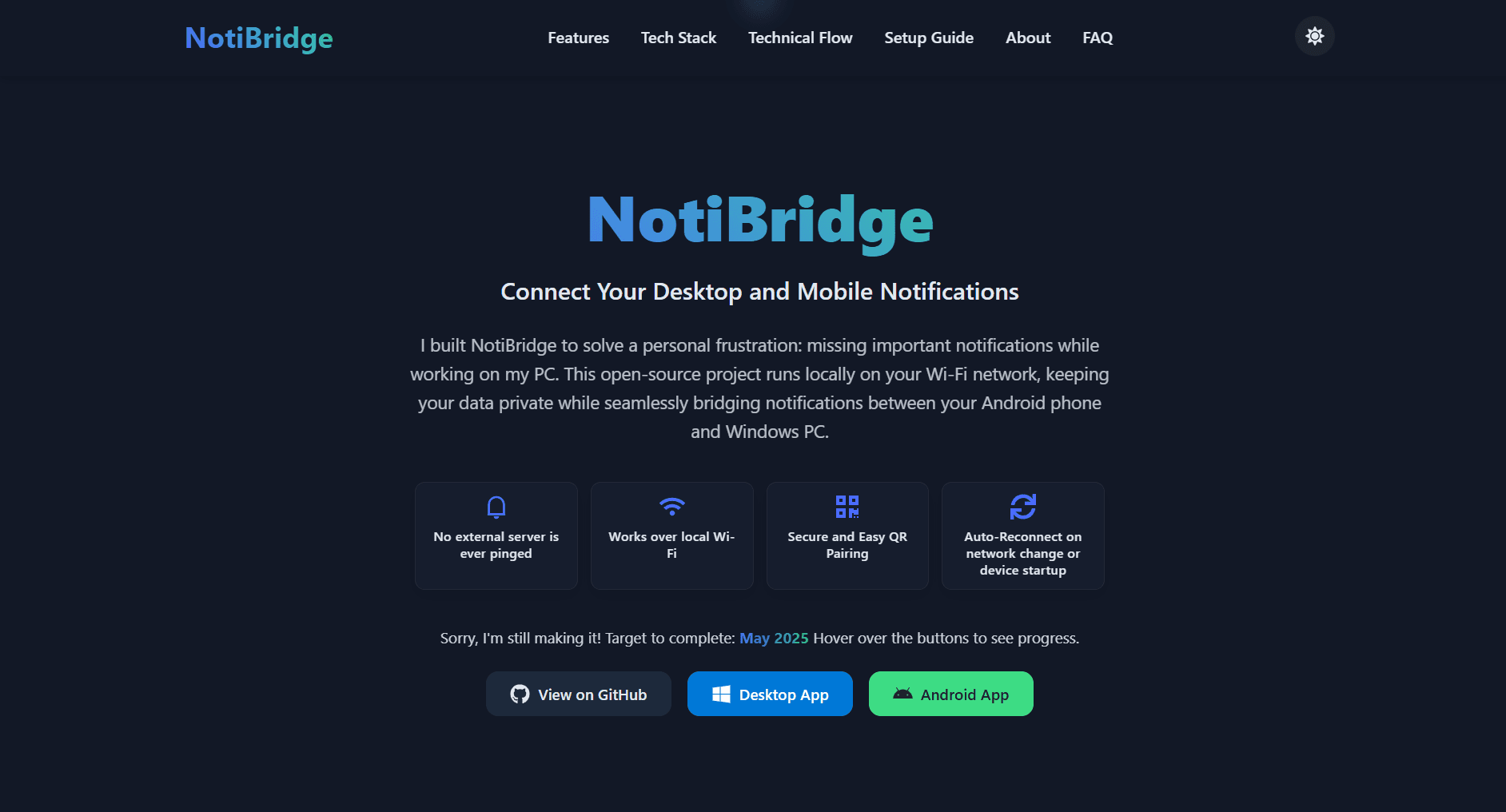
NotiBridge does that. It mirrors Android notifications to a desktop app with no cloud and no internet connection. You pair the two devices once with a QR code, and after that they find each other on their own.
Constraints
- No server in the middle. With no cloud, the two devices have to find each other themselves.
- The desktop's IP address is not stable. It changes when you switch networks or restart the router.
- Only the phone I paired may send notifications, and notification text is private.
- Pairing data has to be stored encrypted on both sides.
- Two platforms, two languages: Kotlin on Android and Java on the desktop, speaking one protocol.
What I built
Two apps and a protocol
The Android app is written in Kotlin. It reads notifications with a NotificationListenerService, scans the pairing QR code with ZXing, uses Android's own NSD for mDNS, and runs a foreground service. The desktop app is Java 21 with JavaFX. It shows the QR code and displays incoming notifications.
The protocol is documented in the repository: pairing, authentication, notification sending, the persistent connection, reconnection, re-authentication and state management each have their own flow document.
QR pairing
When you start pairing, the desktop generates a random 256-bit pairing key and a device UUID, advertises itself over mDNS, and shows a QR code. The phone scans it, resolves the desktop's IP address, and sends a PAIR request. Values below are placeholders.
{
  "request": "PAIR",
  "device_id": "<desktop UUID from the QR code>",
  "phone_id": "<UUID the phone generates>",
  "pairing_key": "<256-bit key from the QR code>"
}
If the pairing key matches, the desktop stores the phone's ID and answers:
{
  "status": "SUCCESS",
  "message": "Device paired successfully"
}
Authentication after pairing
From then on the pairing key is not used again. The phone identifies itself with its phone_id, and the desktop checks it before accepting anything. Only a paired phone can send notifications.
{
  "request": "NOTIFICATION",
  "phone_id": "<UUID stored at pairing>",
  "notification_data": {
    "title": "New Message",
    "body": "Hey! How are you?",
    "app": "WhatsApp"
  }
}
Pairing data is stored encrypted with AES on both sides.
Hard problems
The desktop's IP keeps changing
If the phone remembered an IP address, it would break the first time the laptop joined a different network or the router restarted. So the phone never relies on a hardcoded address. The desktop advertises a service named <DEVICE_ID>._notibridge._tcp.local over mDNS, and the phone looks that name up.
Looking the name up on every message would be wasteful, so the phone caches the IP it resolved during pairing and uses it first. Only if the cached address fails does it fall back to mDNS and resolve again.
A connection that survives network changes
Pairing and discovery are only the start. The two apps then keep a persistent WebSocket connection, and I modelled the connection as a small state machine so each situation has a defined behaviour.
mDNS runs only while the phone is unpaired or disconnected, and stops once the WebSocket is up. All later traffic goes over that connection. After a Wi-Fi change, the phone waits a set number of seconds before it re-resolves the desktop.
The build story: it took several tries
I changed approach more than once. I started with raw TCP, moved to a Python desktop prototype, and ended up with the Java and JavaFX app. On the phone I started with JmDNS and switched to Android's native NSD.
The repository history shows it honestly. One commit just says "NOTHING WORKS". Another reads "MDNS not working yet, auto reauth pending, security pending". A later one says pairing and authentication logic is now working completely.
Results
Pairing and notification delivery work, and the protocol is written down: pairing, authentication, reconnection and the state flows. The repository has 43 commits, all mine.
One thing is unfinished. My last commits on the persistent connection note that auto-connect broke, so I would not call automatic reconnection complete. The last functional work was in June 2025, with a small website change in July.
What I'd do next
Fix auto-reconnect first. The reconnection flow is already documented, so the target is clear: after a Wi-Fi change, the code should follow the state machine above and reconnect without the user doing anything.
Then I would test that path end to end, switching networks and restarting the router on purpose, before adding anything new.
Next project →
04MARG — Mumbai Ambulance Rapid GatewayIt started with an ambulance stuck in traffic.- Android apps
- Real-time backend
- WebSockets
- Geospatial proximity engine